

Tethered
Direct Canon and Nikon capture
Move each frame from camera to workstation for immediate review and production.
 TEPS TriPrism
The photography production workstation
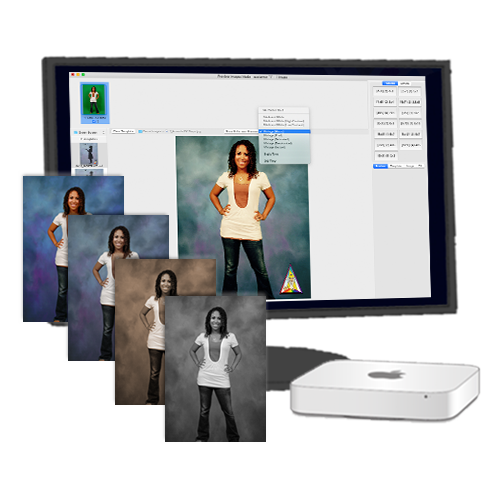
One macOS package handles camera acquisition, creative treatment, guest preview, printing, and digital delivery for high-volume photography.
 Camera connected
Production ready
01 / Acquire
Build the capture station around the job. TEPS accepts direct camera capture and watched-folder workflows while keeping filenames and sessions organized.
Tethered
Move each frame from camera to workstation for immediate review and production.
Automated
Watch any folder for new images. It works well for wireless, roving, and multi-camera workflows.
Flexible
Bring in work from camera cards and existing folders, then apply consistent job naming.
02 / Create
Give operators the tools that matter in a live workflow: see the result, adjust the frame, refine the look, and preserve a repeatable output.
Green screen
Use inclusion and exclusion controls for fast chroma-key knockouts, then place the subject into a themed scene, sponsored creative, or branded print template.
Background removal
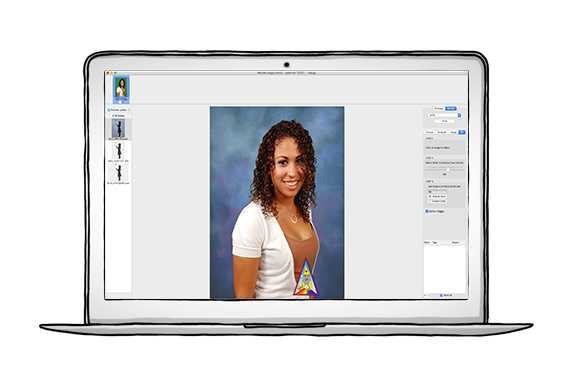
Separate the person from the original background and place them into a new environment without rebuilding the rest of the photo workflow.

Movable sticker objects
Add sticker-like foreground elements to the composition, then move and position them directly on the image for each guest.
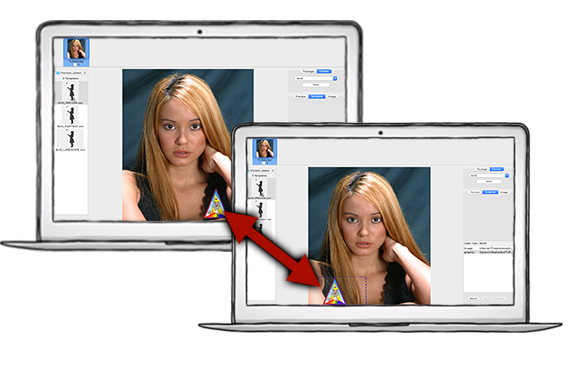
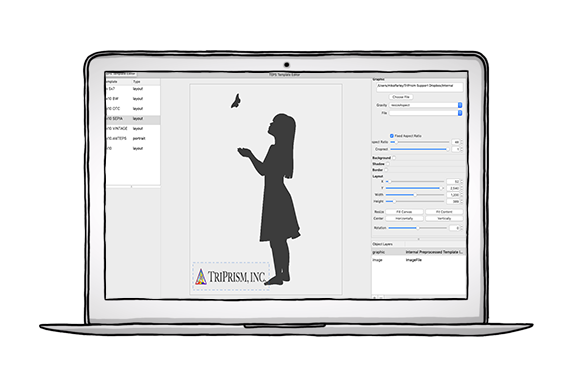
Templates + branding
Create controlled templates for operators while keeping the guest-facing result unmistakably yours.
03 / Produce
Keep the operator in one understandable flow while TEPS handles the production work behind it.
Review composition, color, and template before committing.

Compose the chosen image and package it for the selected output.
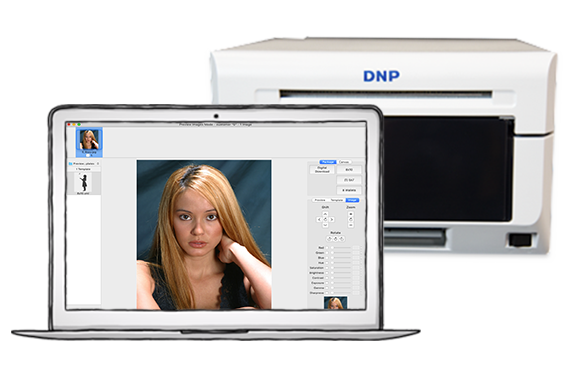
Send to the dedicated DNP queue or an Apple CUPS workflow.
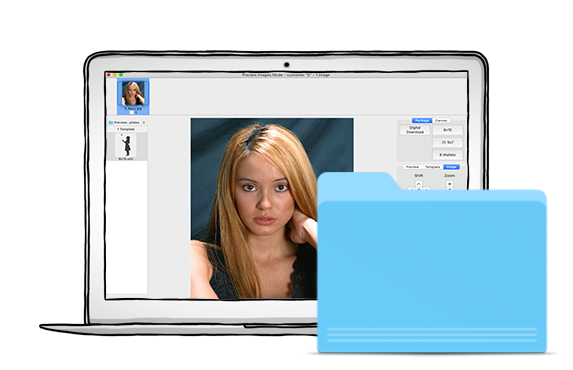
Save finished files and connect to FindYourPictures for digital delivery.
One TEPS TriPrism package
The supporting capture and production tools install around TEPS TriPrism as one operating package. Your team gets a workflow, not a list of disconnected products.
See package pricing
Capture, preview, green screen, image controls, and workflow direction.
Compose and prepare finished images for print or file output.
Manage production queues and connected photo printers.
Move finished work into connected online delivery workflows.
Current macOS release
Published September 18, 2026. A valid TEPS license is required to activate the software.
Also from TriPrism
These focused apps support kiosk browsing, PhotoTouch capture, and high-volume mobile capture and upload.
Put TEPS to work
Our sales team will help evaluate your workflow, recommend the right computer count, and discuss available trial options for your operation.