Digital event & portrait software

TEPS TriPrism.

Portrait and event workflow software built for serious photographers. From tethered capture to green screen, template compositing, and print — TEPS is the production engine powering high-volume photo programs.
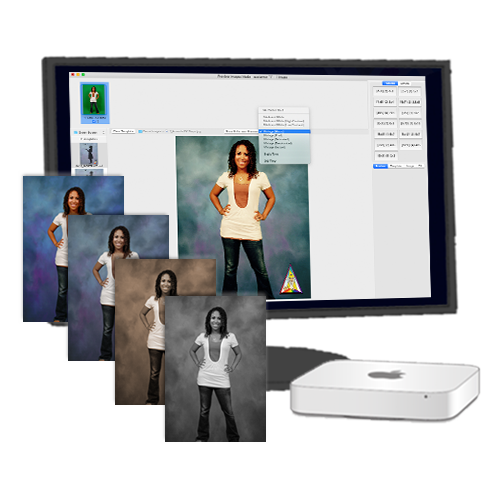
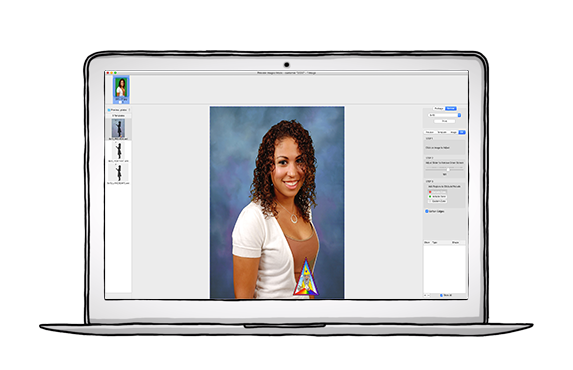
TEPS TriPrism preview
Features

Built for every step of the workflow.

From first capture to final print, TEPS TriPrism covers the full production loop — with tools refined over decades of real-world event photography.
TEPS — image preview
Preview

Preview before you print

See exactly how images will print — composition, color, template — before committing.

TEPS — green screen
Green screen

Fast green screen knockouts

Inclusion and exclusion masks for clean, accurate background removal — one of the quickest tools available.

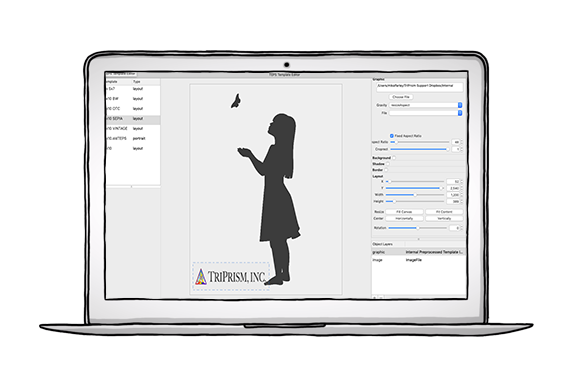
TEPS — editable templates
Templates

Editable templates

Composite images into fully editable templates with customizable text, overlays, and branding.

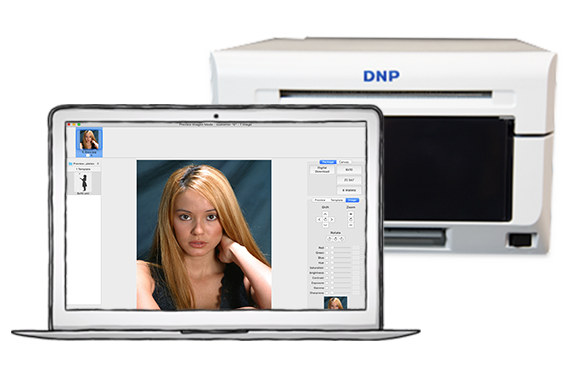
TEPS — print
Print

Print to any printer

Full print center for DNP printers, plus Apple CUPS for broader printer compatibility.

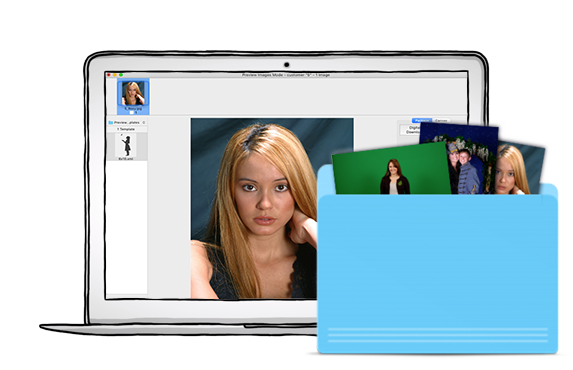
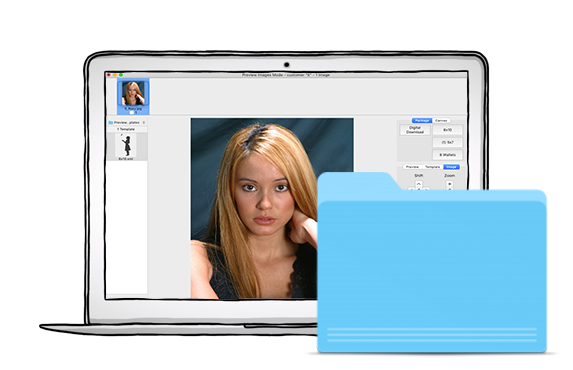
TEPS — hot folder
Hot folder

Hot folder automation

Automatically pick up images from any folder — great for wireless, roving, or drone workflows.

TEPS — save to file
Upload

Save & upload to cloud

Process images to file and upload automatically to Find Your Pictures for digital delivery.

Pricing

Per-computer licensing, everything included.

TEPS TriPrism
Per computer

$695

1 server computer
Unlimited prints
1 year software updates included
9am–5pm PT Mon–Fri technical support

Additional keys $395 / key
Yearly renewal $395 / key

Contact sales

What's included

TEPS TriPrism
TEPS TriPrism (64)
Primary capture, preview, green screen, and workflow application.
TEPS Processor
TEPS Processor (64)
Processes and composes images for print or file output.
TEPS Print Center
TEPS Print Center (64)
Manages print queues and communication with DNP photo printers.
TEPS HttpUploader
TEPS HttpUploader
Automatically uploads finished photos to PT CheckOut or Find Your Pictures.
TEPS Canon Capture
TEPS CanonCapture
Direct tether for Canon cameras.
TEPS Nikon Capture
TEPS NikonCapture
Direct tether for Nikon cameras.
Download

Two download options.

Download the full installer for new setups, or grab the apps-only update to upgrade an existing installation.
Full installer
First time / new computer

Full Installer

Installs all TEPS TriPrism files and folders. Use this for first-time installs or new computers.

Download Full Installer  
Update installer
Existing install

Update (Apps Only)

Updates TEPS TriPrism applications and required frameworks. Use this to upgrade from a previous version.

Download Update (Apps Only)  
Get started

Ready to run TEPS in your operation?

Talk to our team about getting TEPS TriPrism running for your photo program. Technical support included, 9am–5pm PT Mon–Fri.